






Phone
+1 347 957 89 43address
3524 Silverside RD STE 35B,Wilmington, DE, 19810




Komfort IQ - Smart Climate Control for Offices
-
Industries
- Retail
-
Company
Komfort IQ is a smart climate control company that helps businesses optimize heating, cooling, and air quality in office spaces. Their MicroZone System uses wireless sensors and smart dampers to manage airflow efficiently. This reduces energy costs and improves workplace comfort.
-
what we did
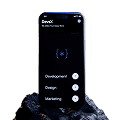
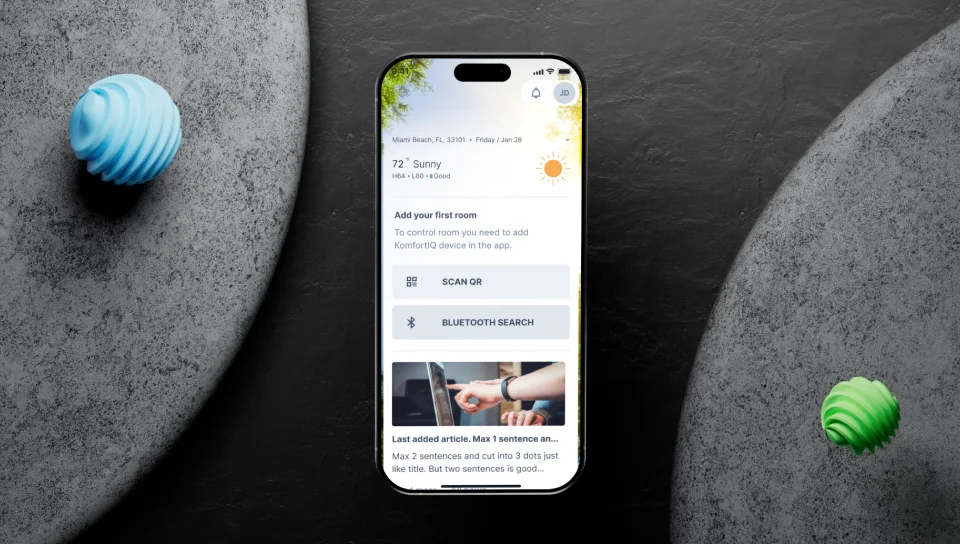
We have developed a mobile application. It helps office workers connect to dampers in the offices. The app allows them to control and manage the airflow remotely.
Project Highlights
-
01
Goal
To create a user-friendly mobile app that allows office workers to remotely control airflow and temperature in their workspace.
-
02
Challenge
Ensuring smooth Bluetooth & QR pairing for easy device setup. Making room control intuitive for different office layouts. Providing real-time notifications to alert users of temperature changes.
-
03
Solution
Quick Bluetooth & QR pairing for instant device connection. Custom room controls for Open Spaces & CEO Offices. Real-time alerts to notify users about climate changes. Good login & profile management for better user experience.
Process
-
01
Research
Studied Komfort IQ’s existing system to integrate it seamlessly into the app. Gathered user feedback to ensure an intuitive and efficient design.
-
02
Design
Created a clean, modern UI that is simple and easy to navigate. Designed the app to work smoothly on both mobile and tablets.
-
03
Development
Implemented Bluetooth & QR scanning for quick and easy device pairing. Added real-time alerts so users stay informed about temperature changes. Optimized performance to ensure fast and reliable climate adjustments.
Room Control
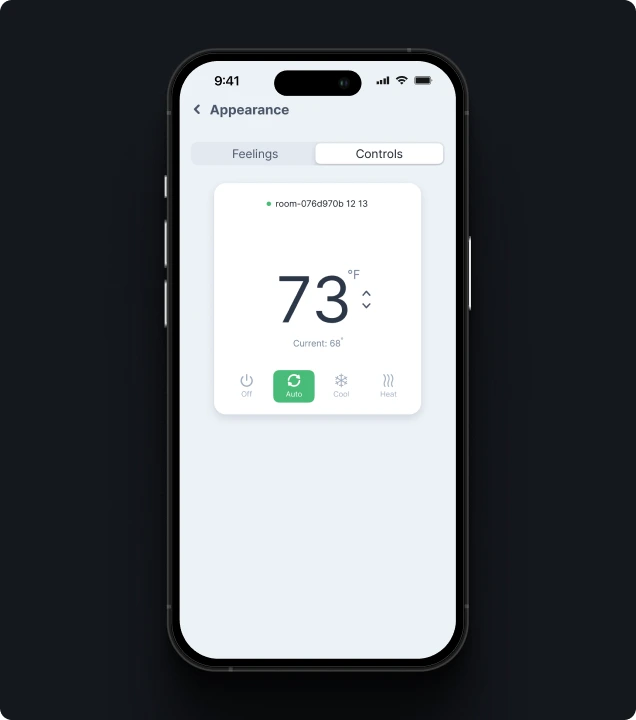
Users can rearrange, delete, and mark rooms as current. Temperature settings can be adjusted for each room. The current room always stays at the top.
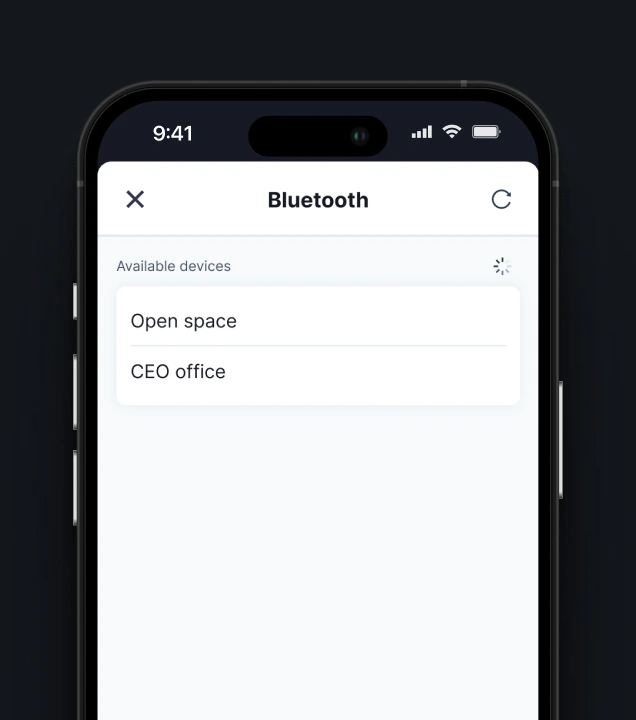
Room Pairing
Connect devices via Bluetooth or QR scan. See connection status (Success/Failed). If no devices are found, users see an empty state message.

Notification System
Users can refresh, check, or delete notifications. An empty state message appears when there are no alerts.
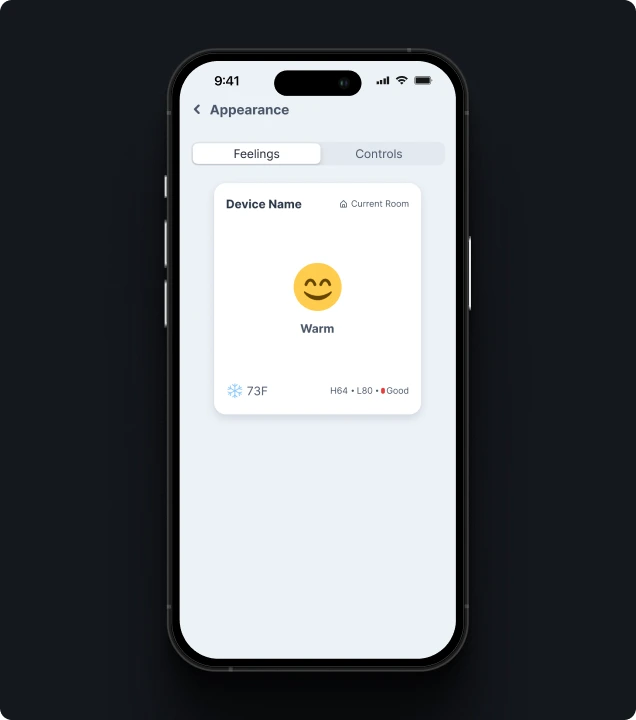
Appearance Customization
Two sections: “Feelings” & “Controls” for adjusting the app’s look and experience.
Settings
Users can change passwords, update profiles, and manage notifications. Profile changes (photo, name, email) update across the app.
More Cases
Your Next Step Starts Here
We don’t just analyze businesses - we uncover opportunities.